Fuzzy Doc Search
Typo-tolerant fuzzy document search, no index needed.
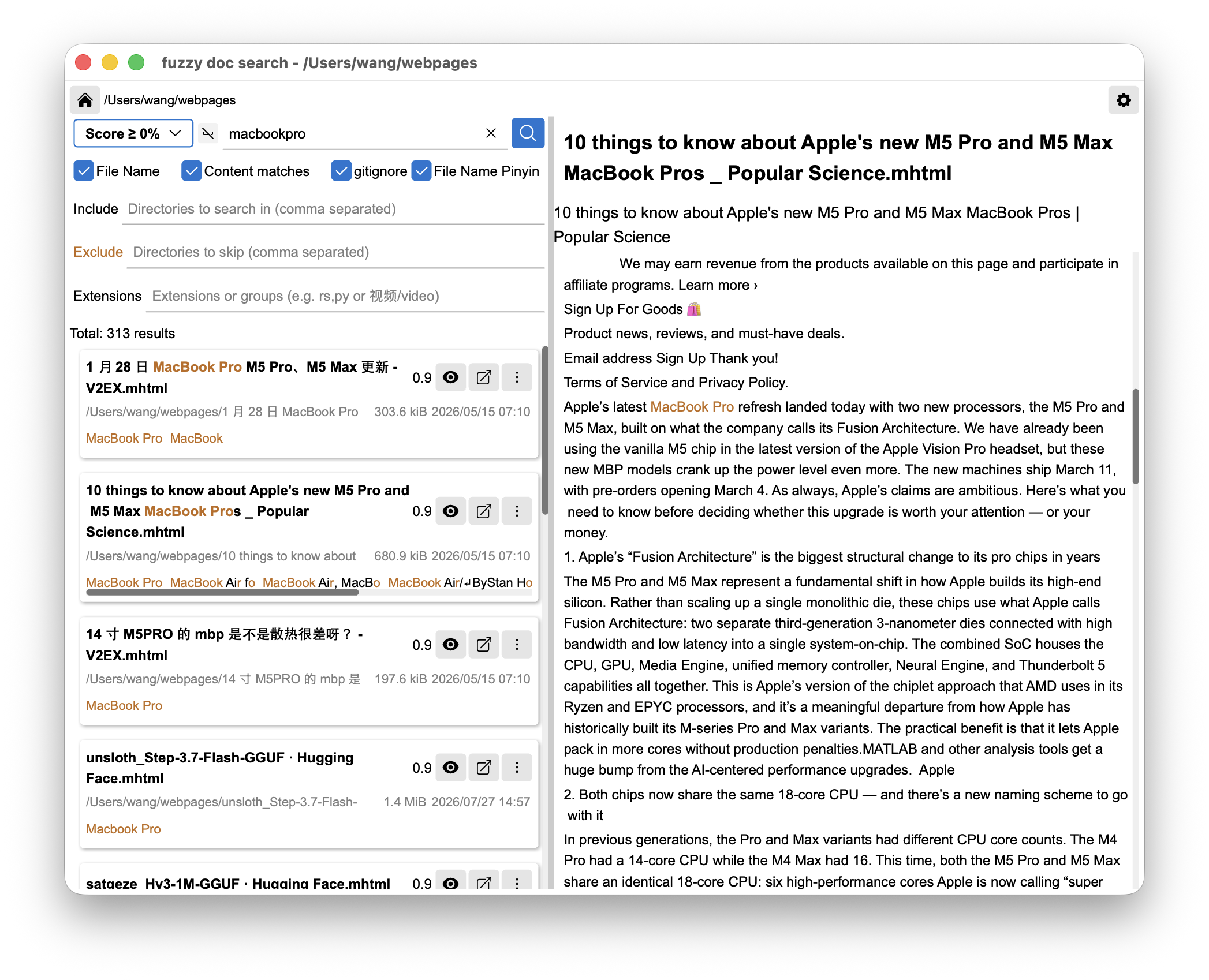
Fuzzy Doc Search is a local, instant, no-index fuzzy document search tool built on a self-developed Rust stack. It performs typo-tolerant fuzzy matching over filenames and document contents — tolerating typos, incomplete input, acronyms and abbreviations — and highlights matched positions for quick locate.
Currently supports text files (txt / markdown / code) plus docx / pdf / xlsx / rtf / html / mhtml for search and preview. Support for more formats keeps coming.
As a technical showcase, the app has no in-app fees, no networking, and no ads. All search happens on-device; nothing is uploaded.
Download: available on the App Store (Apple platforms).
How to use:
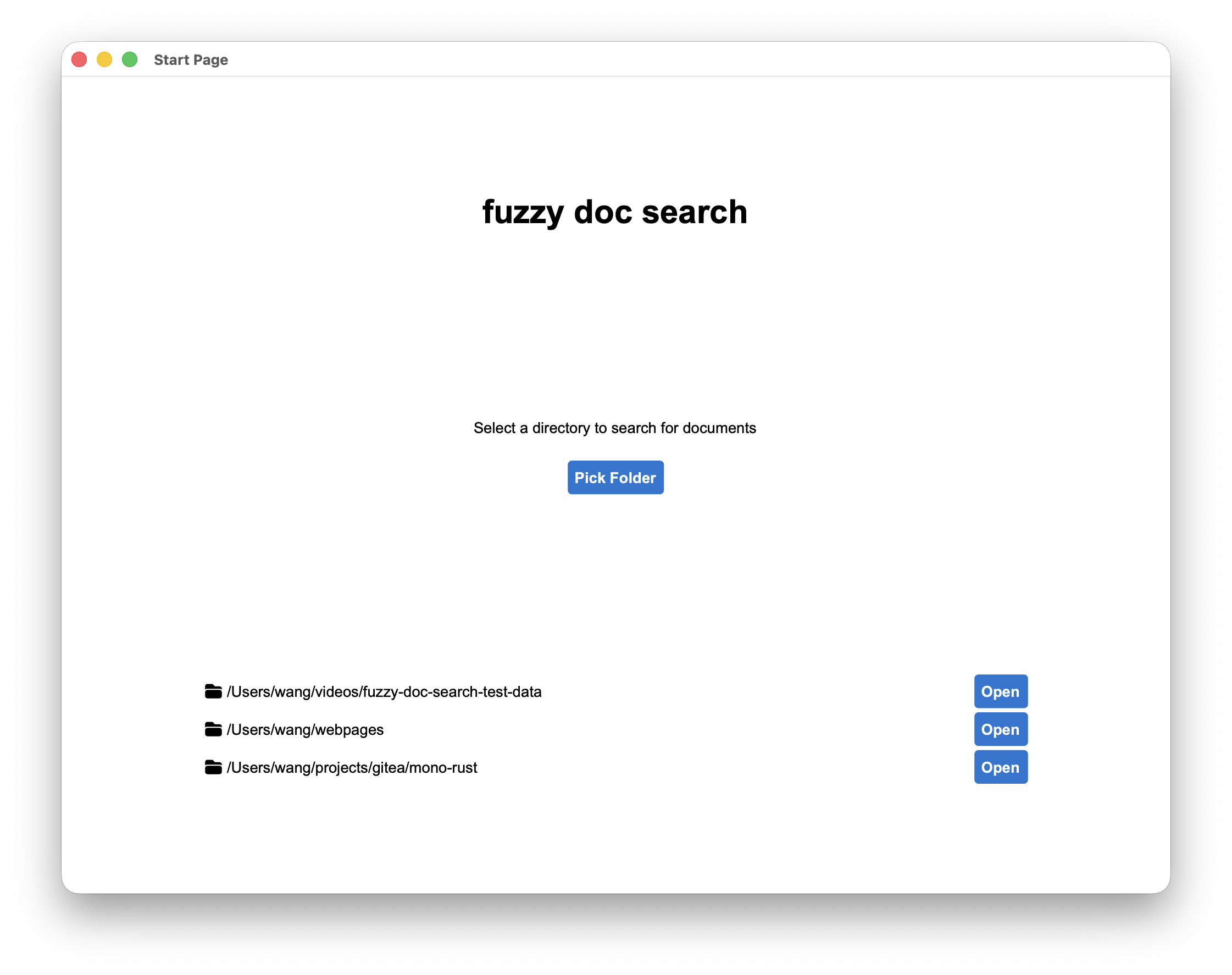
1. Pick a directory
Open the start page and select a directory you want to search.
2. Type a fragment to search
Enter any fragment — typos, incomplete input, acronyms all work.
Results appear in real time; matched positions are highlighted, tap to preview.